Learn Appraisio by doing: our in-app guides
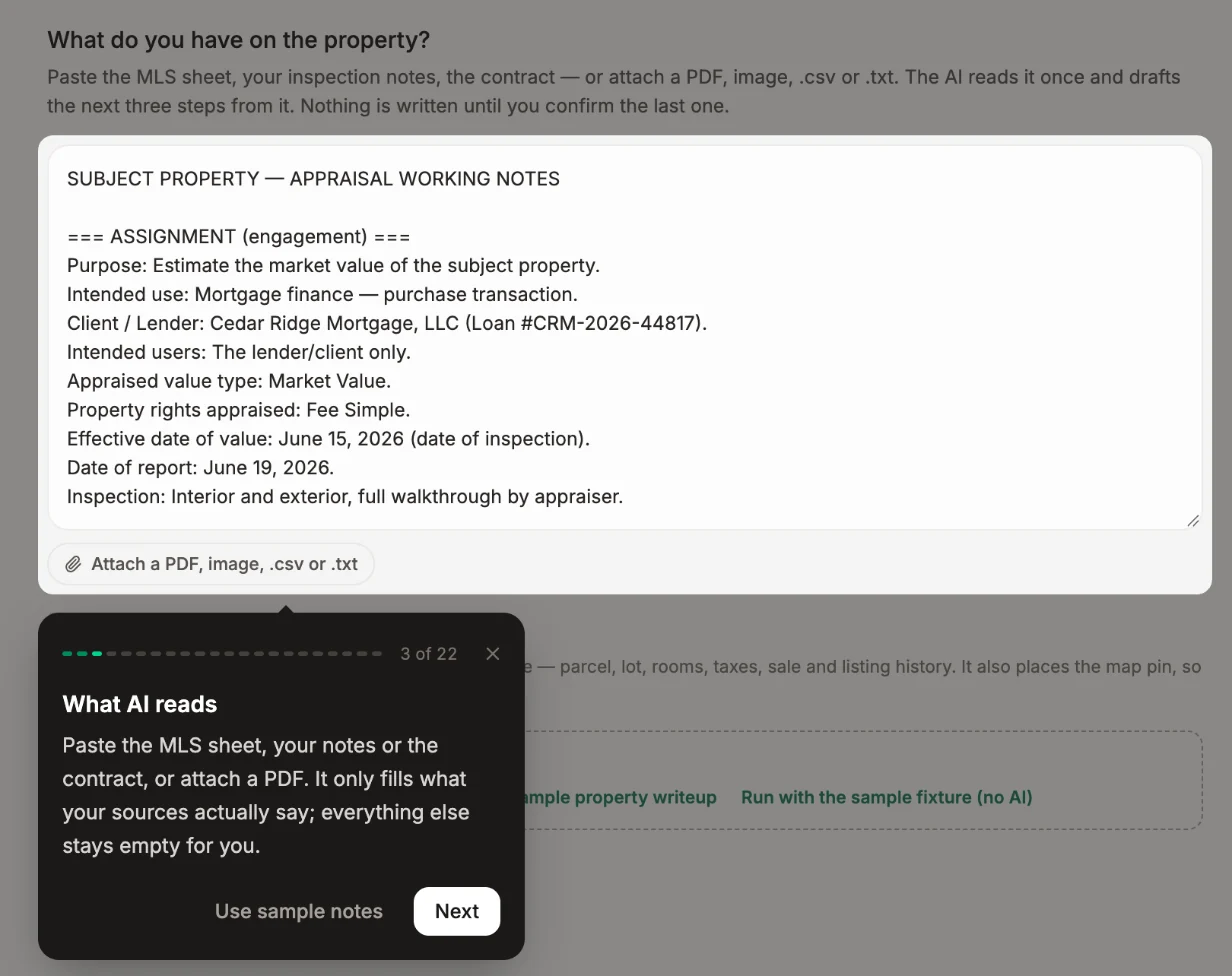
Appraisio's guides run inside the app on a practice report. You do each step yourself, from your first AI-filled report to the comps grid and the sketch editor.
Most software training is a webinar recording you watch once and forget by your next order. We wanted something better for Appraisio: short guides that run inside the app, where you learn by doing the task yourself.
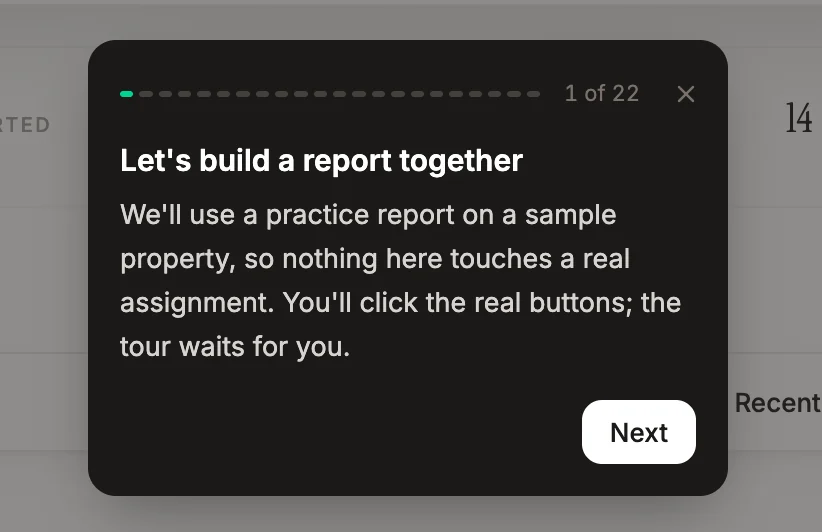
How the guides work
- They use a practice report. Every guide runs on a sample property, so you can try anything without touching a real assignment. Starting a guide sets the practice report back to where that guide begins.
- You do the steps. Each step points at the part of the screen it's talking about and waits for you to try it. Where a step needs sample data, like an address or an MLS file, there's a button that fills it in for you.
- Stop any time. Close a guide halfway and pick it up later from the Guides list, right where you left off.
- They show up when they're useful. The first time you open a page that has a guide, Appraisio offers it. Say "Not now" and it won't ask again on that page, or turn suggestions off altogether.
- They work on your phone too. The same guides run on iPhone and iPad, laid out for the smaller screen.
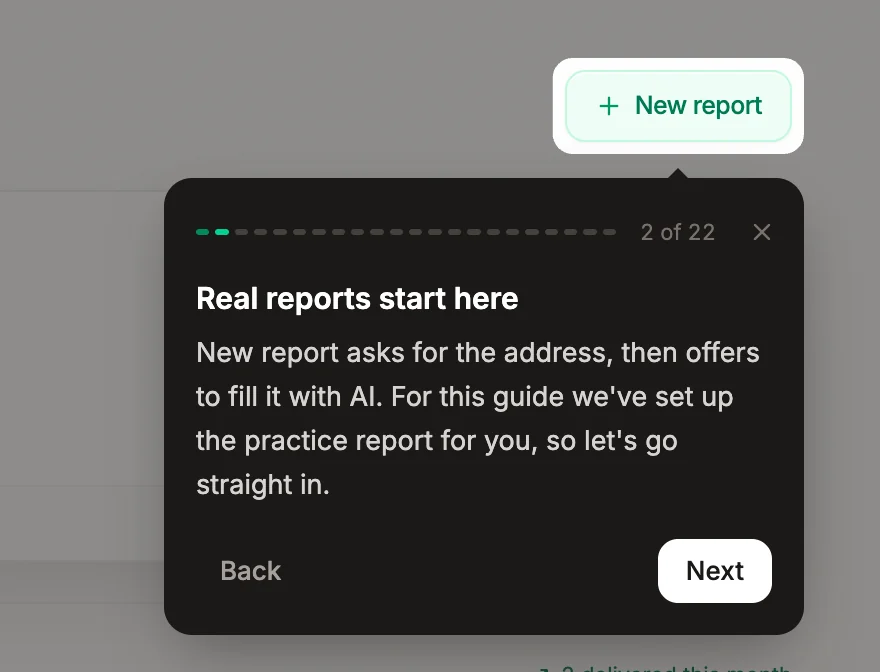
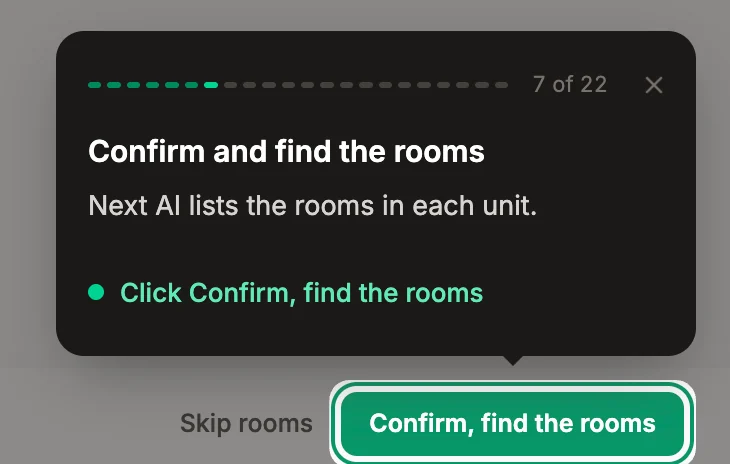
Where to find them
Look for the Guides button with the question mark. It shows how many guides you've finished, and opening it shows what's up next. If it's in your way, drag it to another spot on the screen.
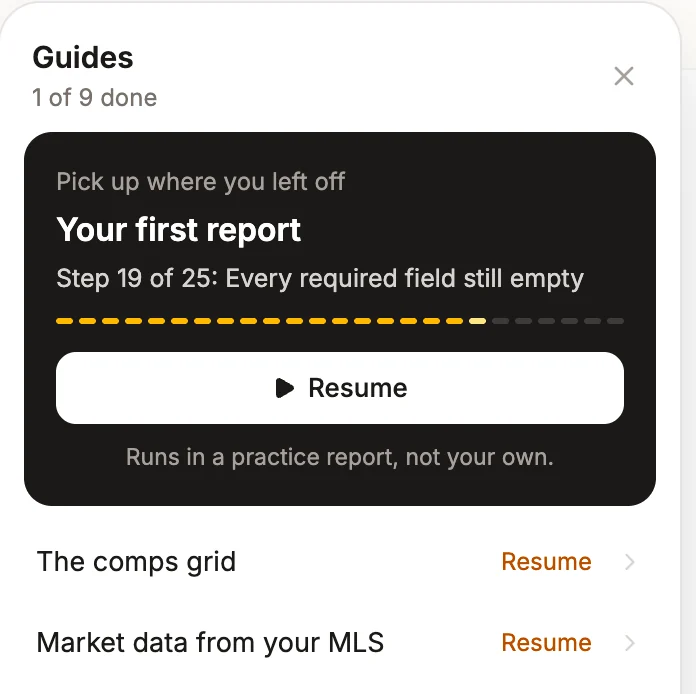
What the guides cover
- Your first report. Let AI fill a practice report from sample documents, check what it found, fill in a field yourself, add files and find the export.
- The comps grid. Import comparables into the Sales Comparison grid, then enter and check adjustments.
- Market data from your MLS. Turn an MLS export into the Market section's counts, prices and charts.
- The sketch editor. A short series: draw a room, see how rooms add up to living area, and send the finished plan into the report.
- General purpose reports. What's different on a non-lender report.
We add a guide whenever we add something worth learning, so the list keeps growing.
Where to start
If you're new, start with Your first report. It walks through the whole flow once: give Appraisio your documents, let it fill the fields, check its work and get to the export. After that, take the guide for whichever part of the report you spend the most time on.
Don't have an account yet? Start a 14-day free trial, no card required. The guides are waiting when you sign in.